Skip to content

Terminal UI Screen Reference

This gallery shows every user-facing TUI screen. The images are generated from the running application at a fixed terminal size, with no inventory entries, credentials, or live device configuration. Regenerate them after a UI change:

python scripts/capture_tui_docs.py

Workspace

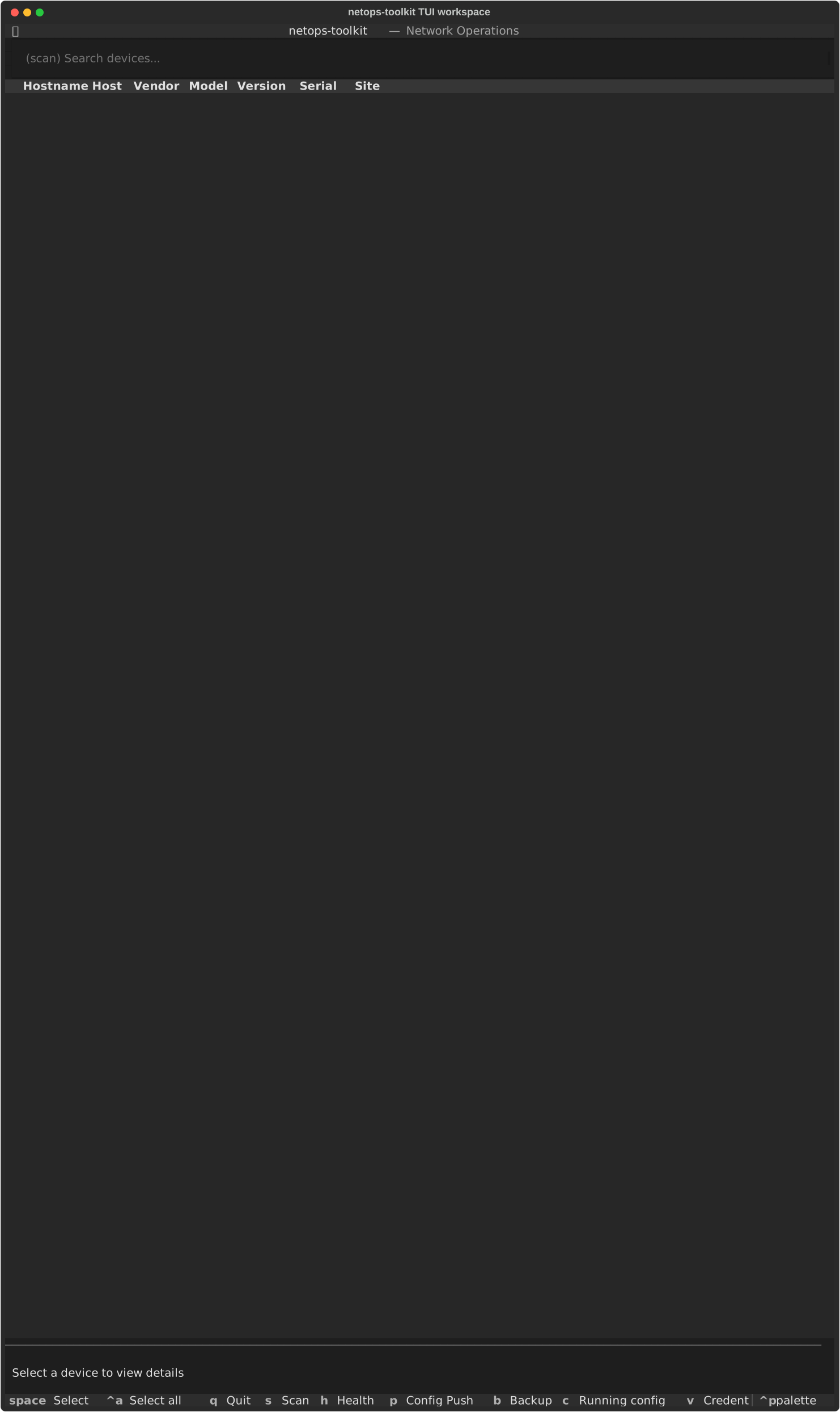
The netops-toolkit workspace with inventory table, detail pane, and footer shortcuts.

Manual inventory editor

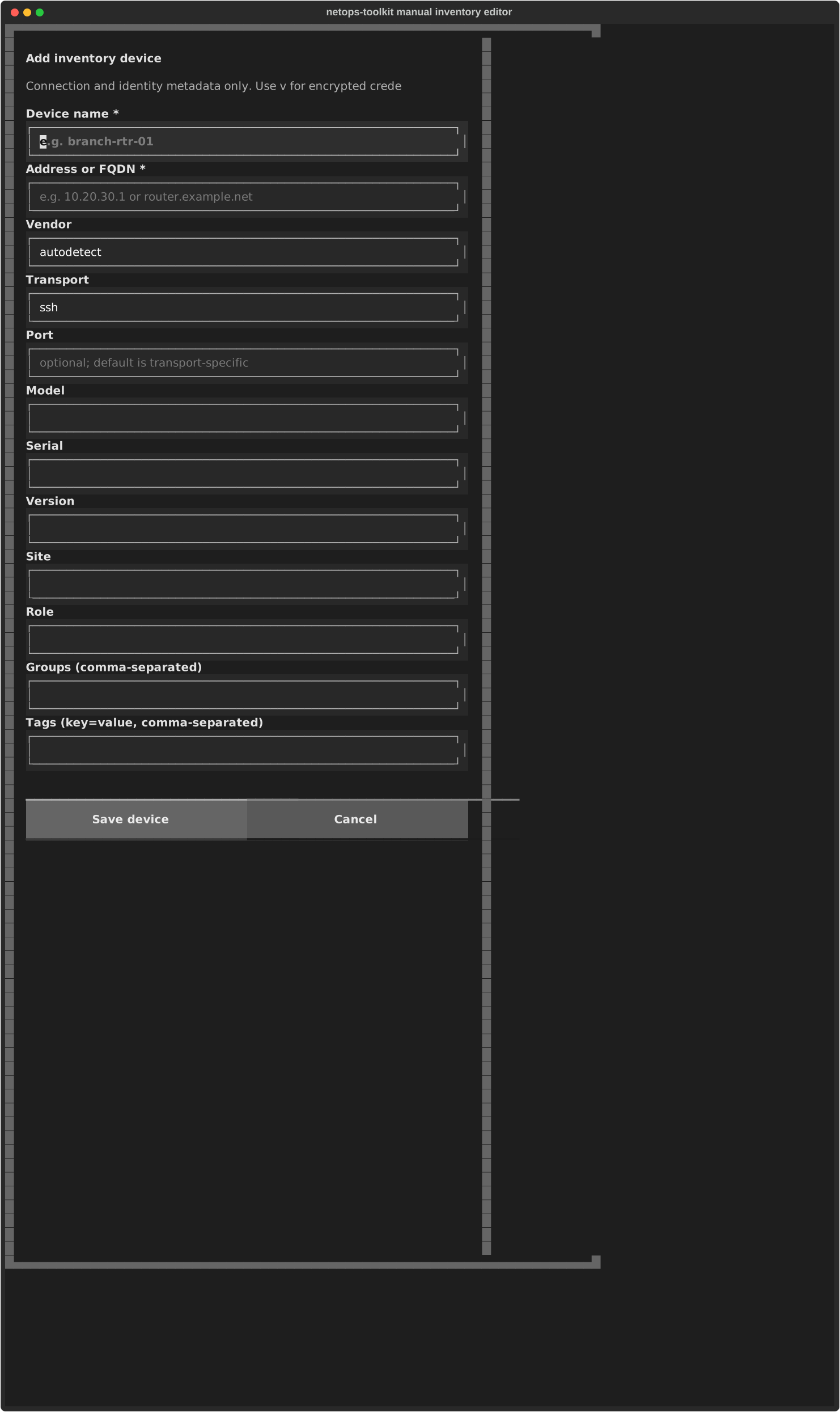
The full-width manual inventory editor, with one labelled field per line.

Inventory scan

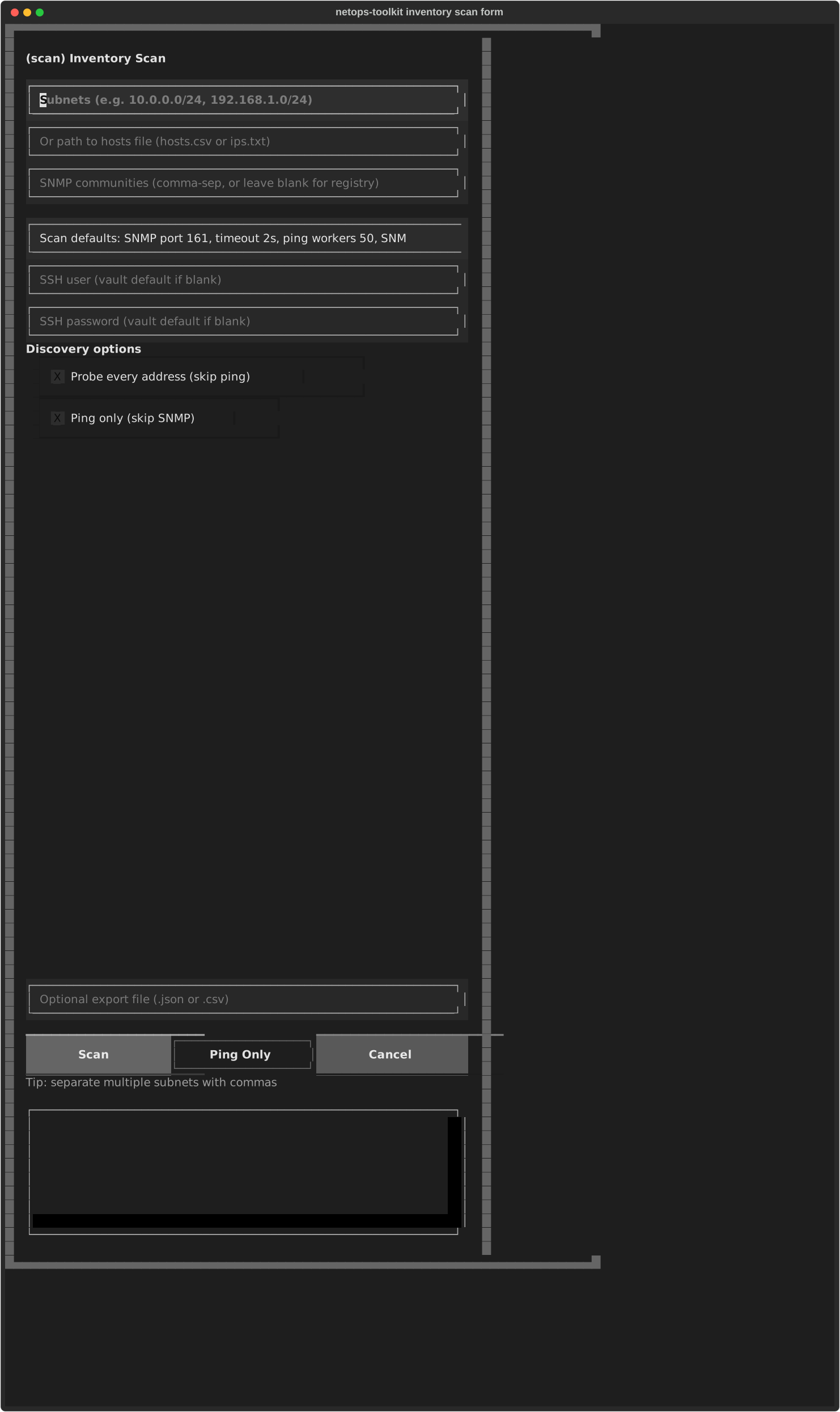
The inventory scan form with labelled SNMP and SSH controls.

Health check

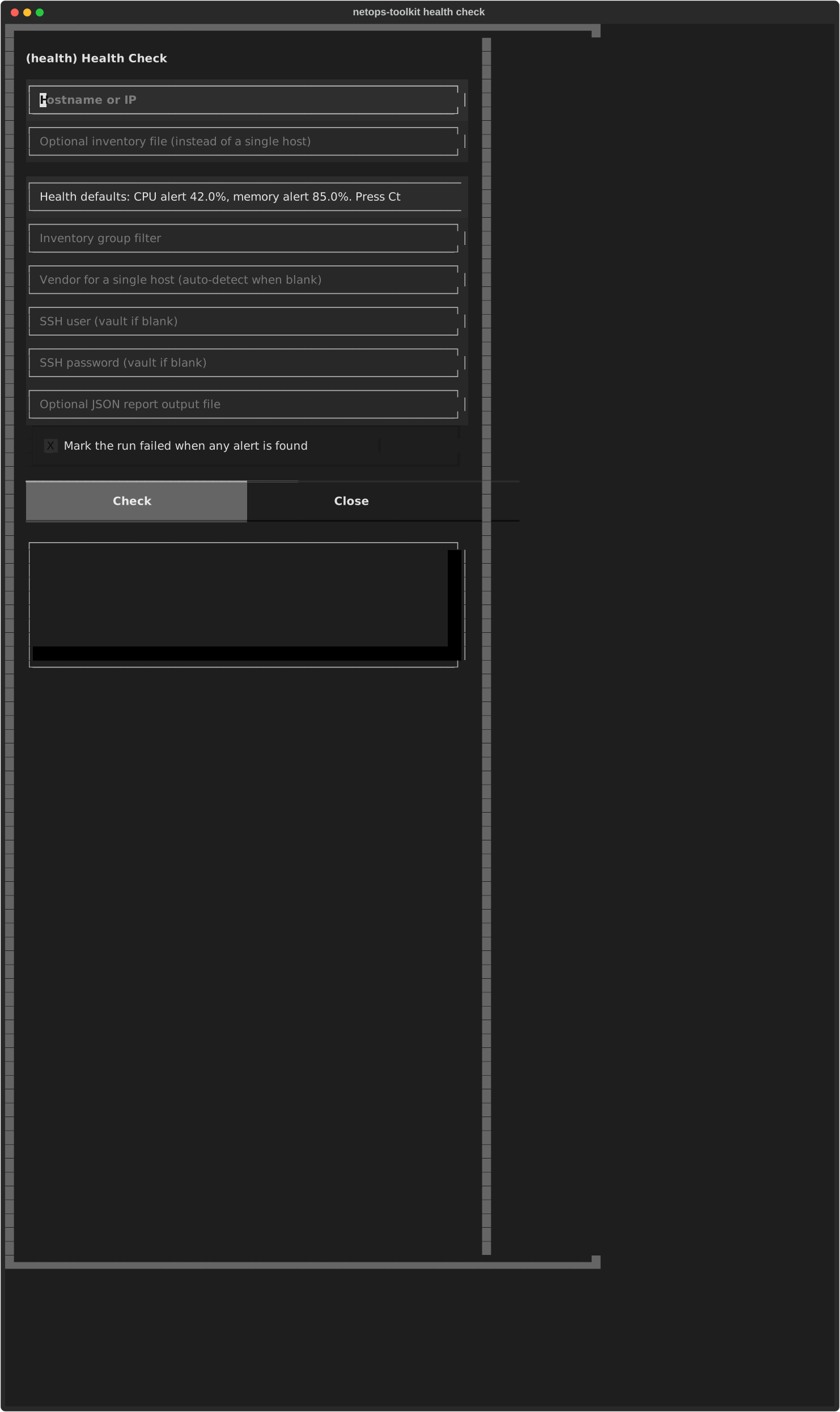
The health-check form.

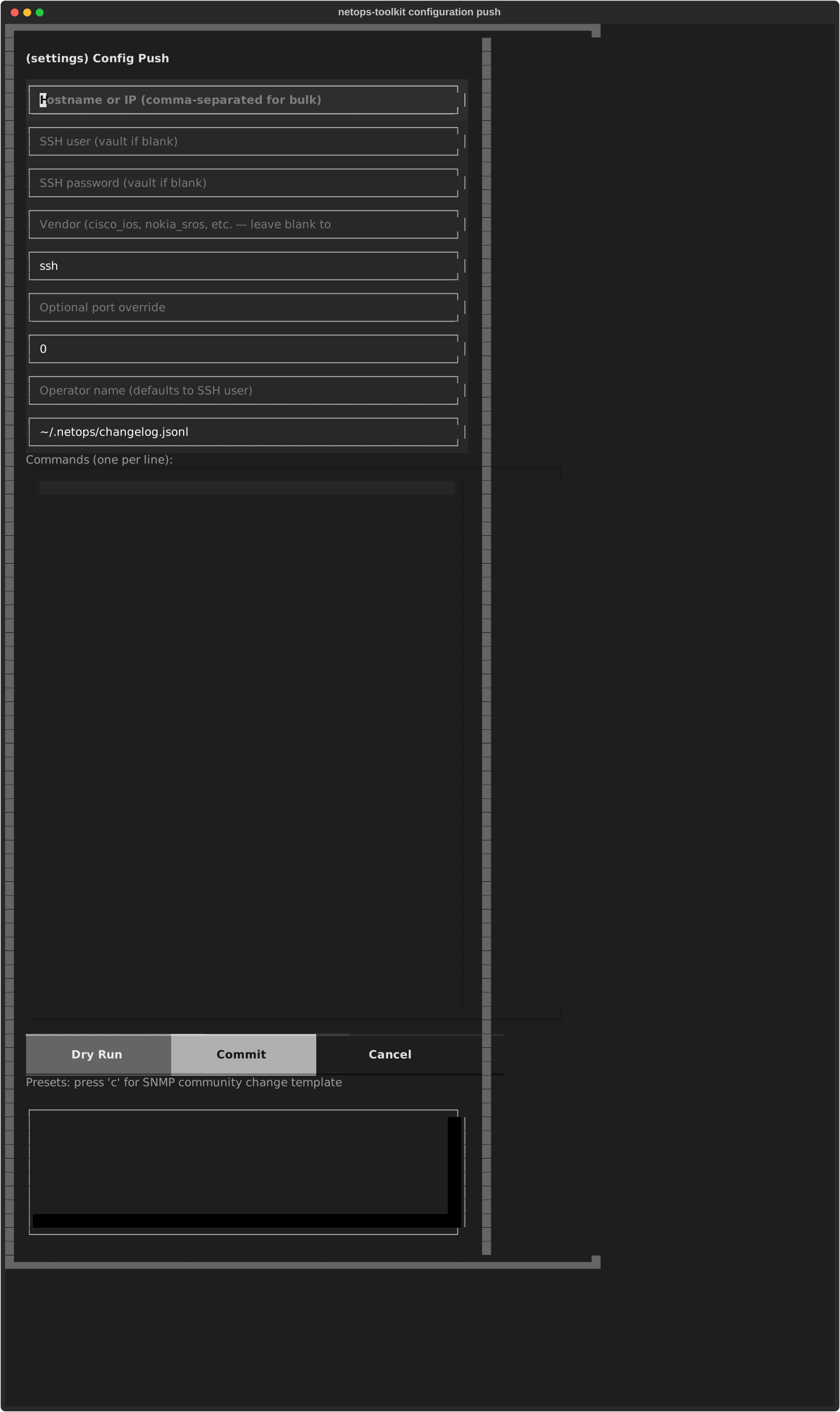
Configuration push

The configuration-push form.

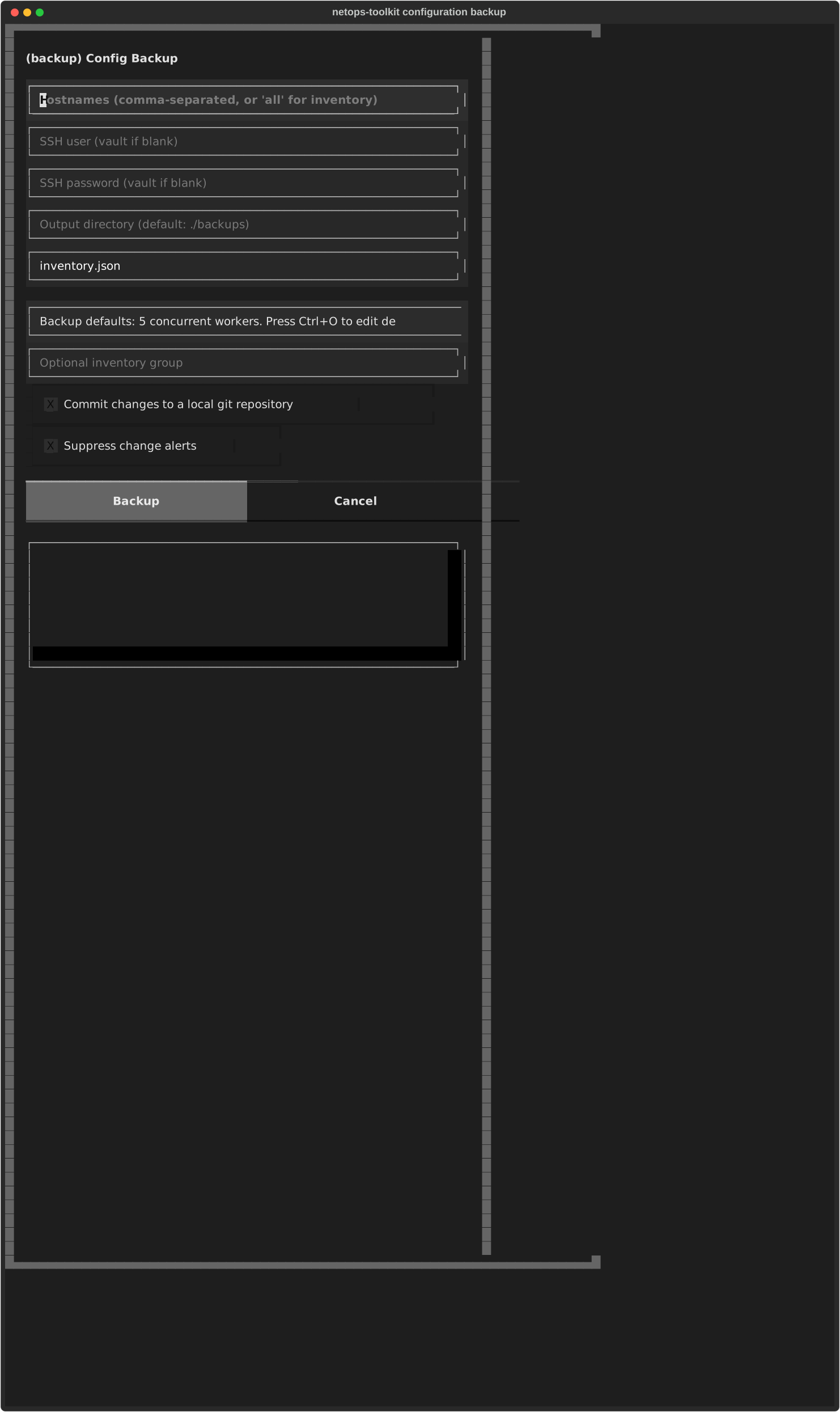
Configuration backup

The configuration-backup form.

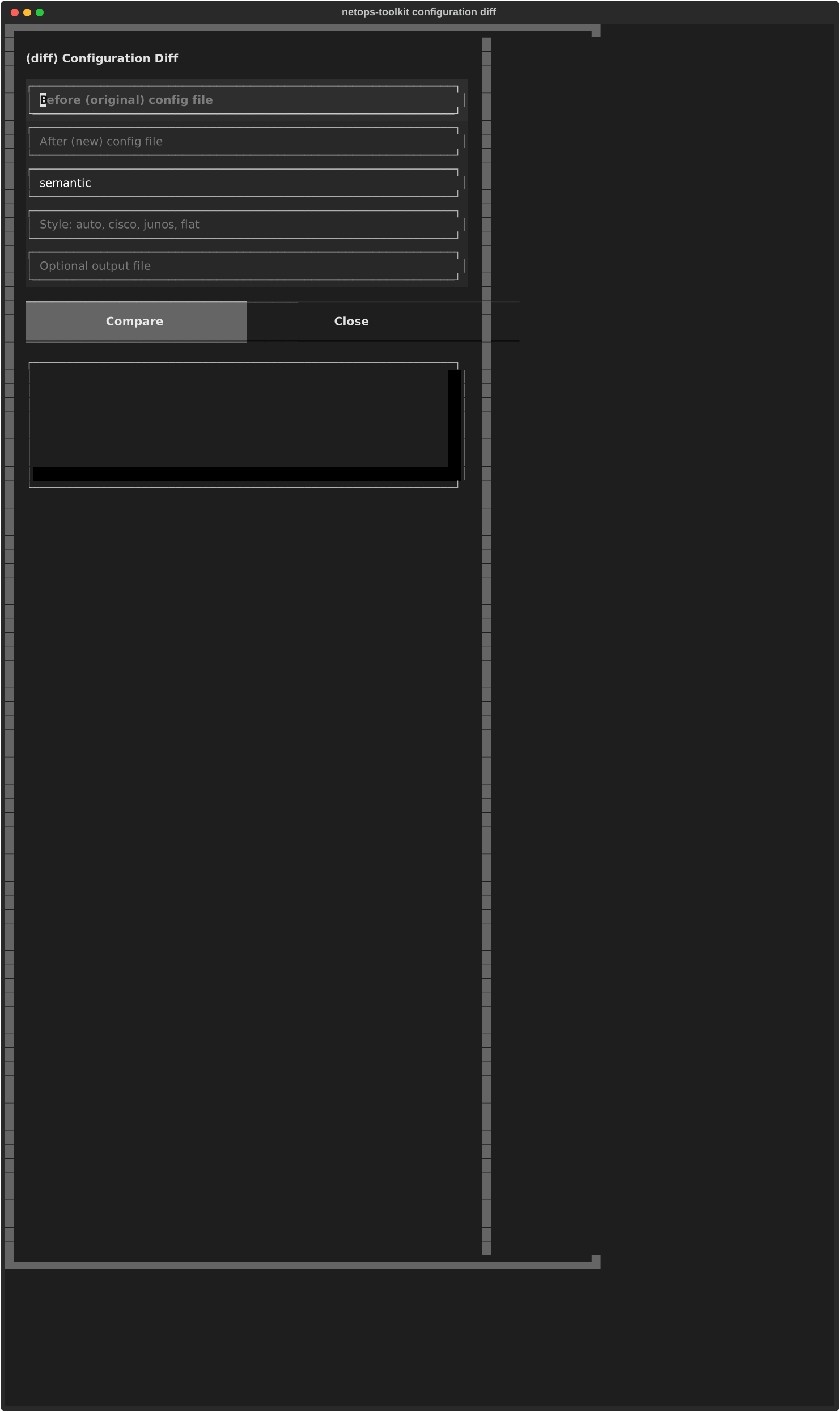
Configuration diff

The configuration-diff form.

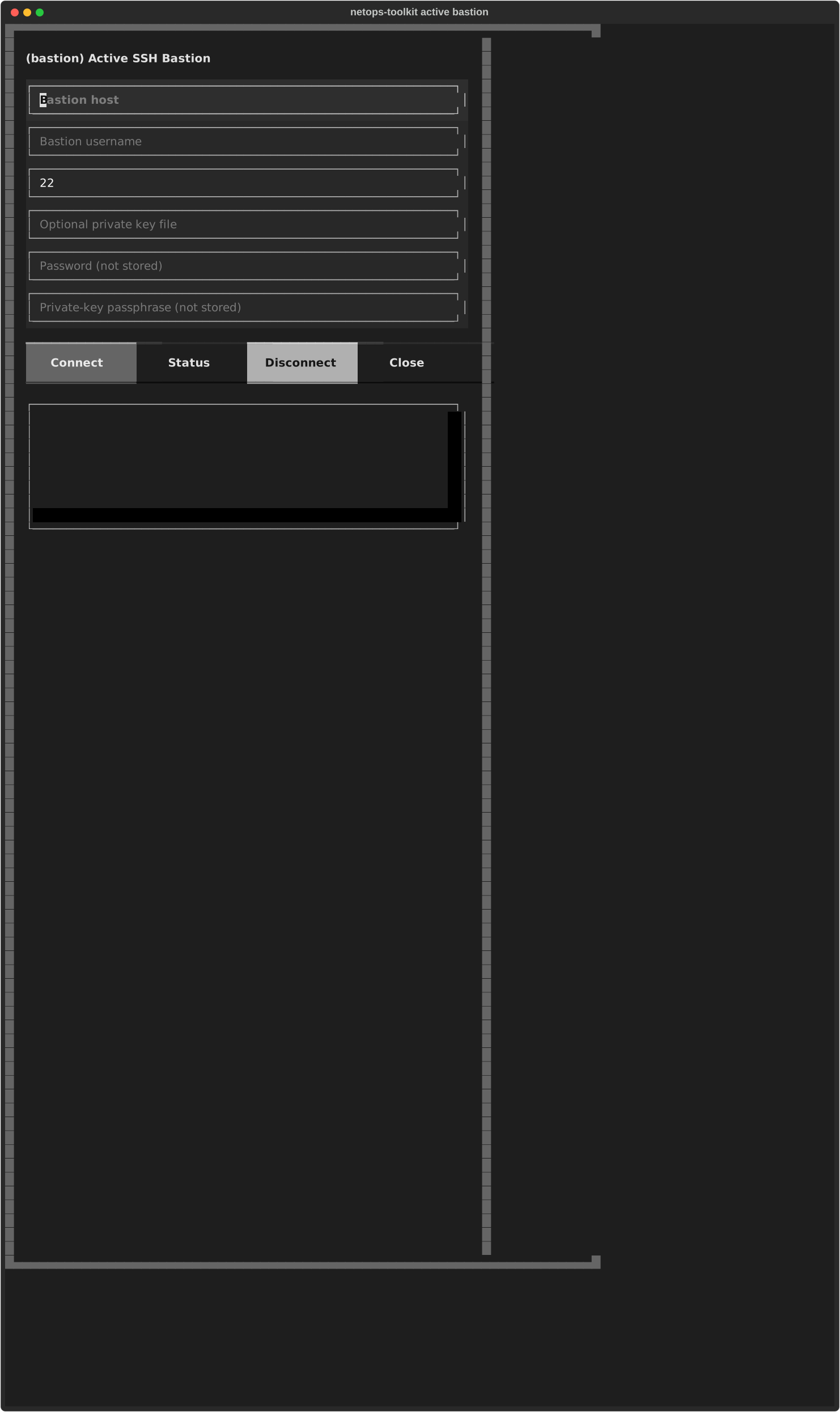
Active bastion

The active-bastion connection and status form.

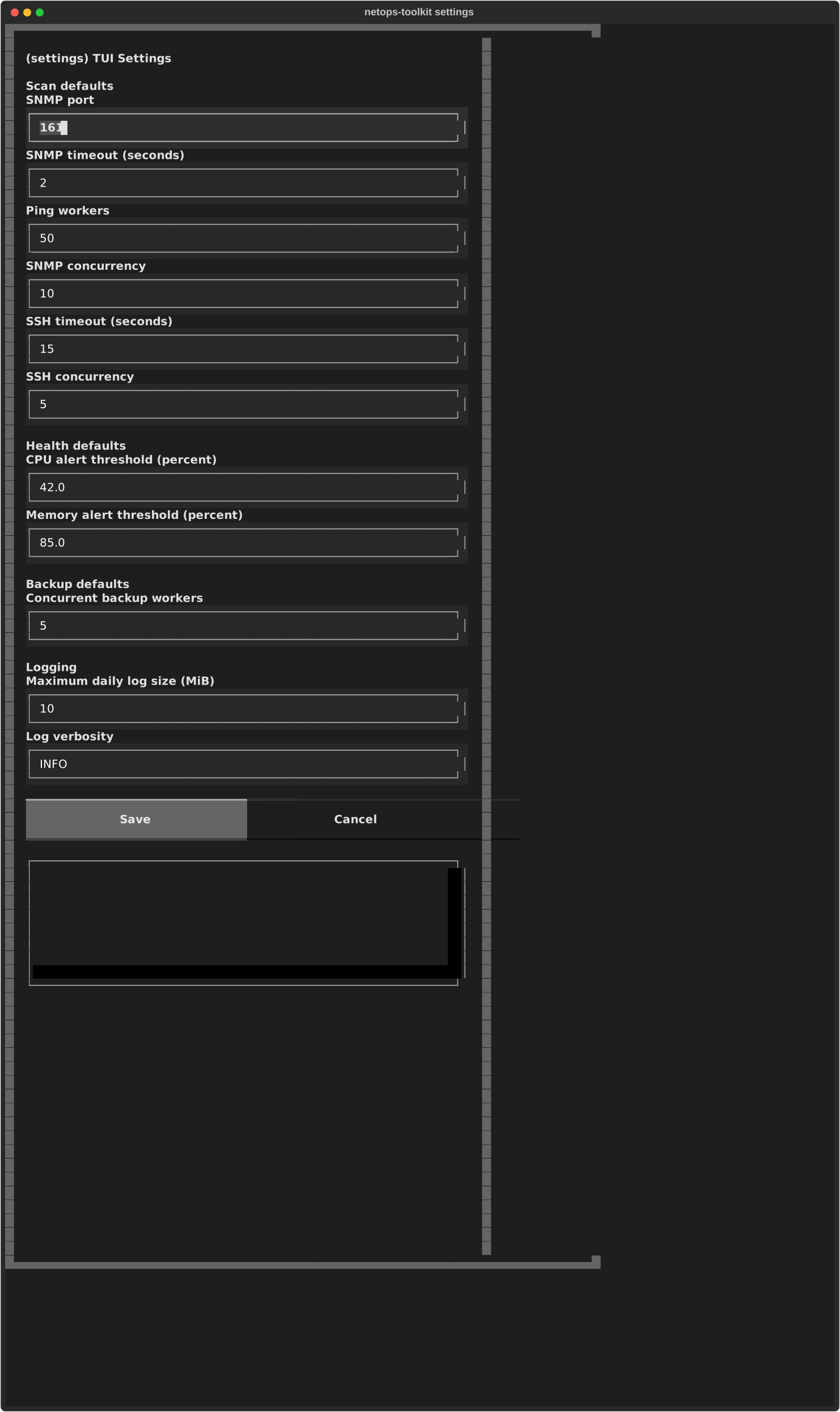
Settings

The non-secret settings form.

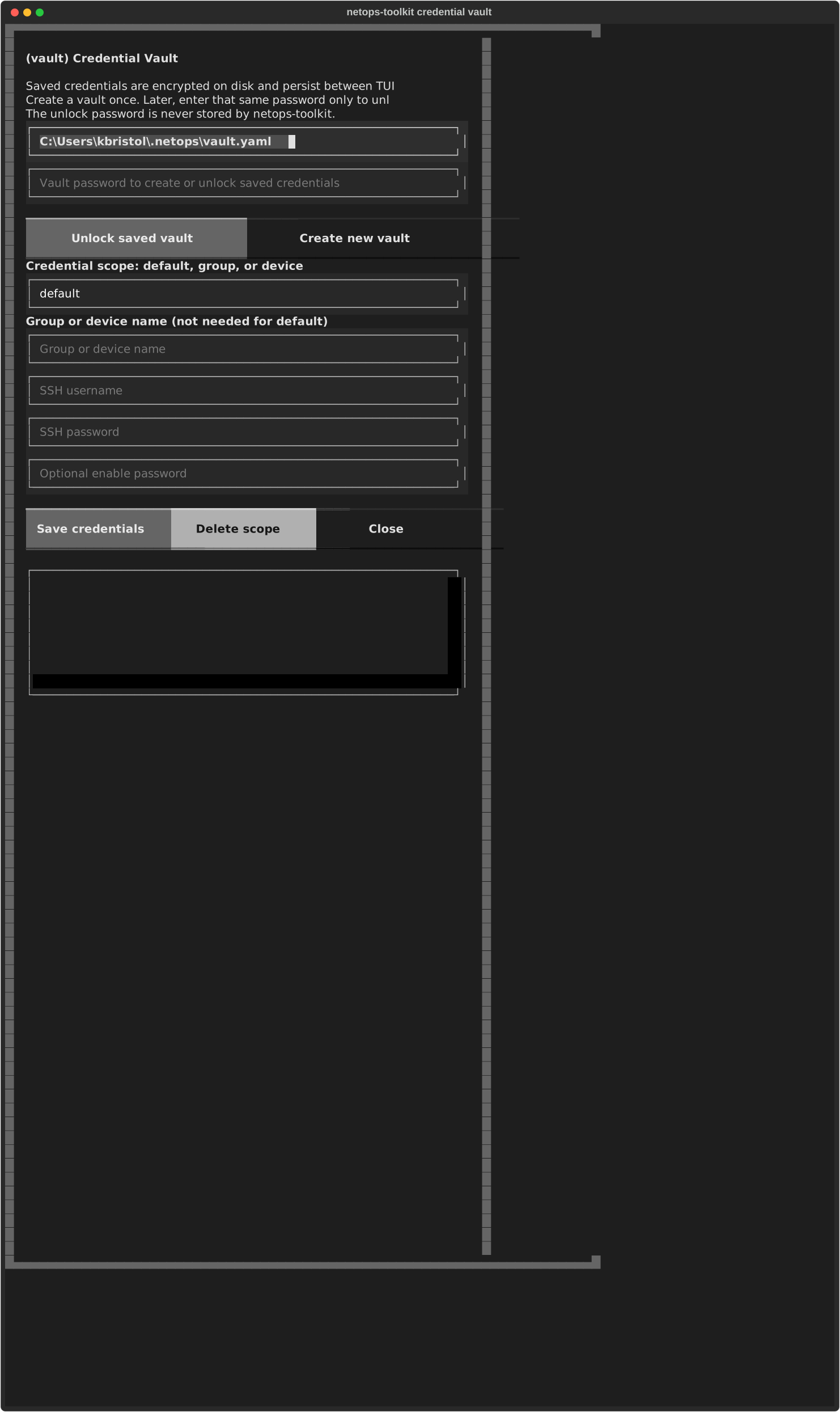
Credential vault

The credential-vault screen with unlock and saved-credential controls.

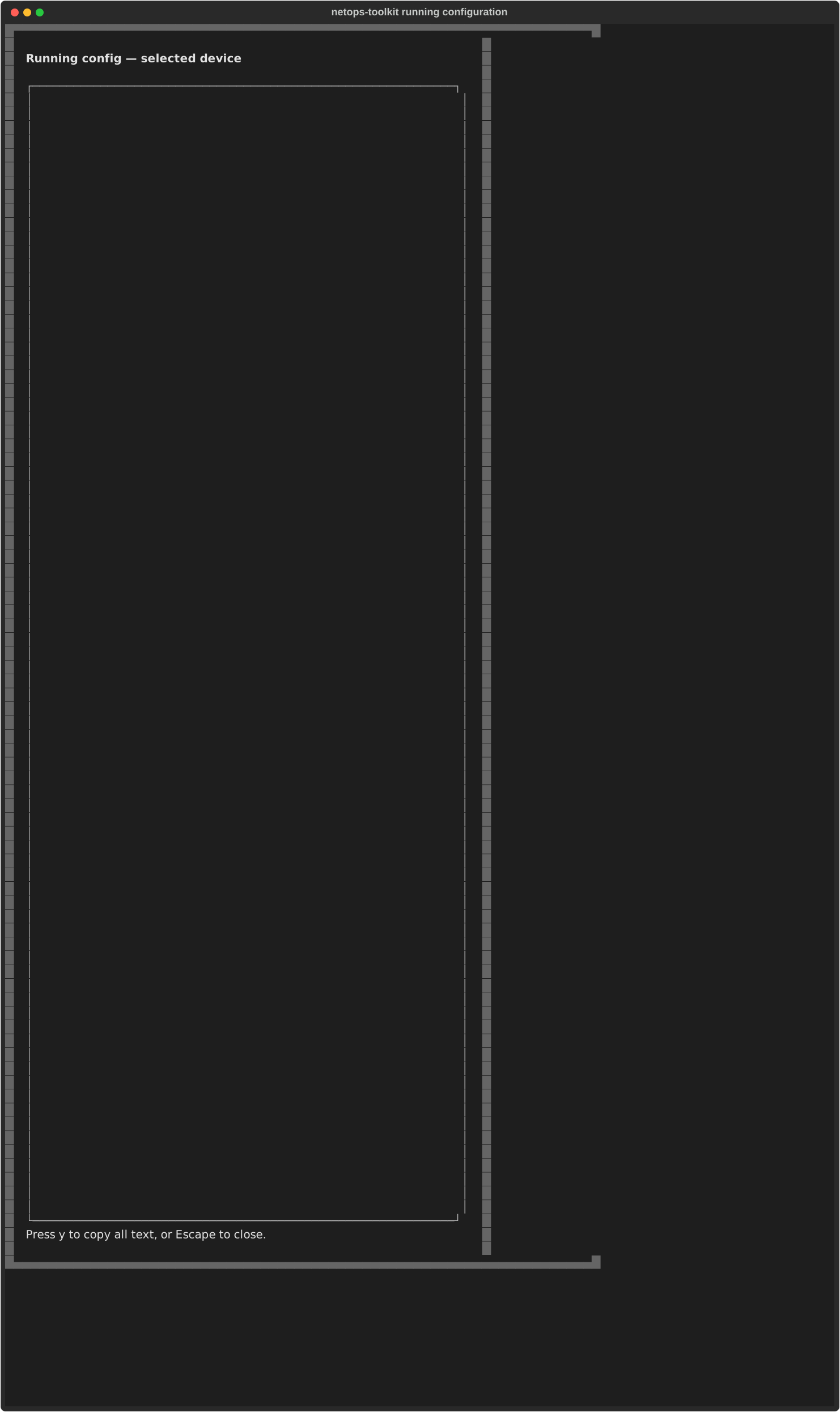
Running configuration

The running-configuration reader without device output.

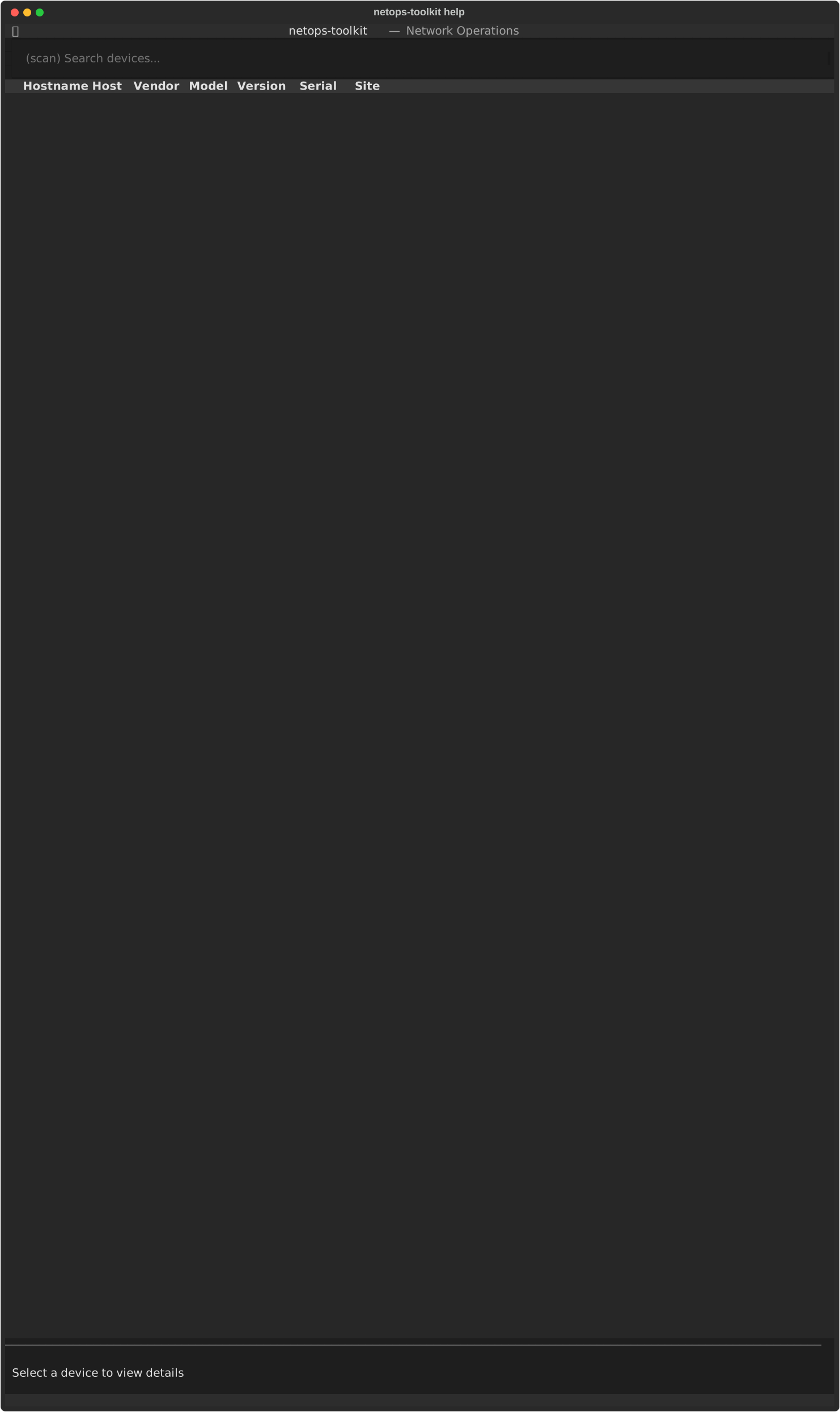
Help

The TUI keyboard-help notification.